Staff - select the staff member who will be observed.
Period - select the review period (e.g., 2023/2024).
Form - select the monitoring form from the dropdown.
Focus - enter the focus of the monitoring.
Date - select the date the monitoring will take place.
Observers – choose staff from the dropdown.
Purpose - select the reason for monitoring from the dropdown.
Create a monitoring form for each observer? - tick this box to generate individual forms for each observer
Once completed: Click Add to Save the form or Run Now to complete monitoring immediately

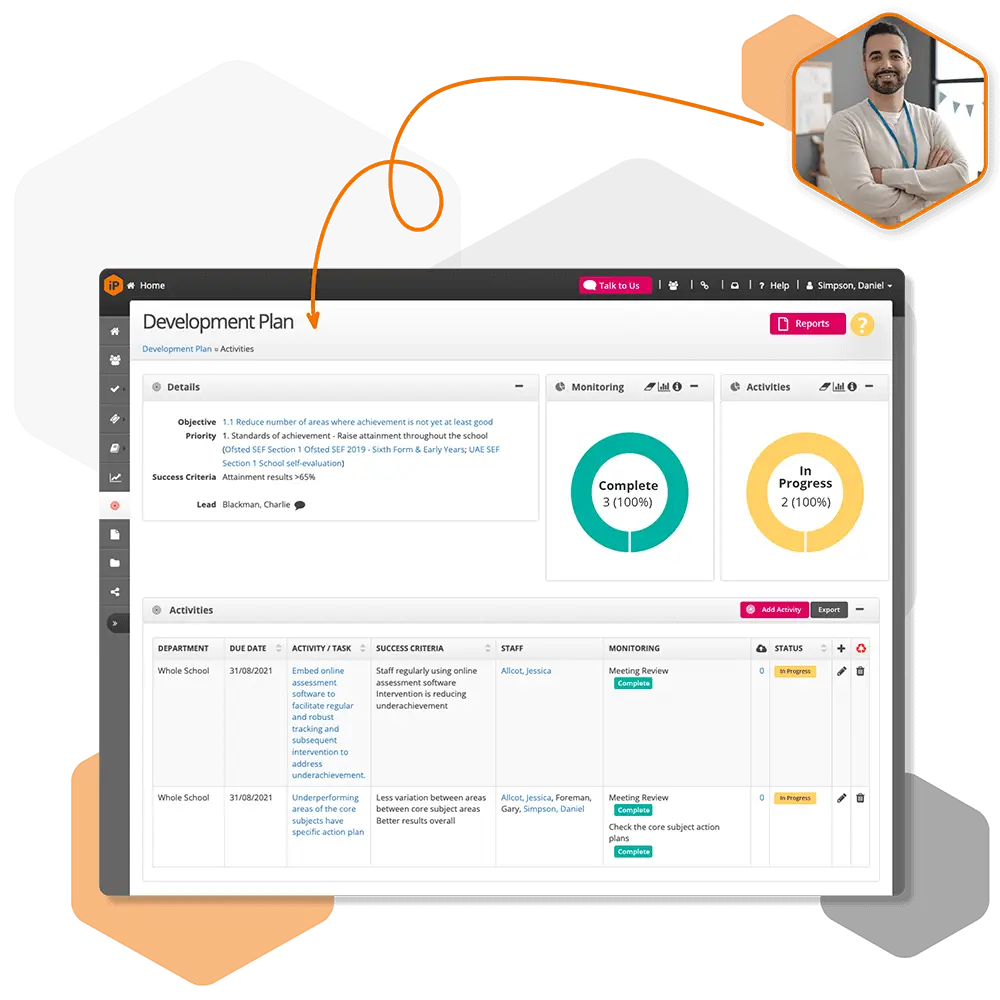
 For schools and academies
Complete school improvement software to plan, monitor and evaluate with confidence.
Explore SchooliP →
For schools and academies
Complete school improvement software to plan, monitor and evaluate with confidence.
Explore SchooliP →
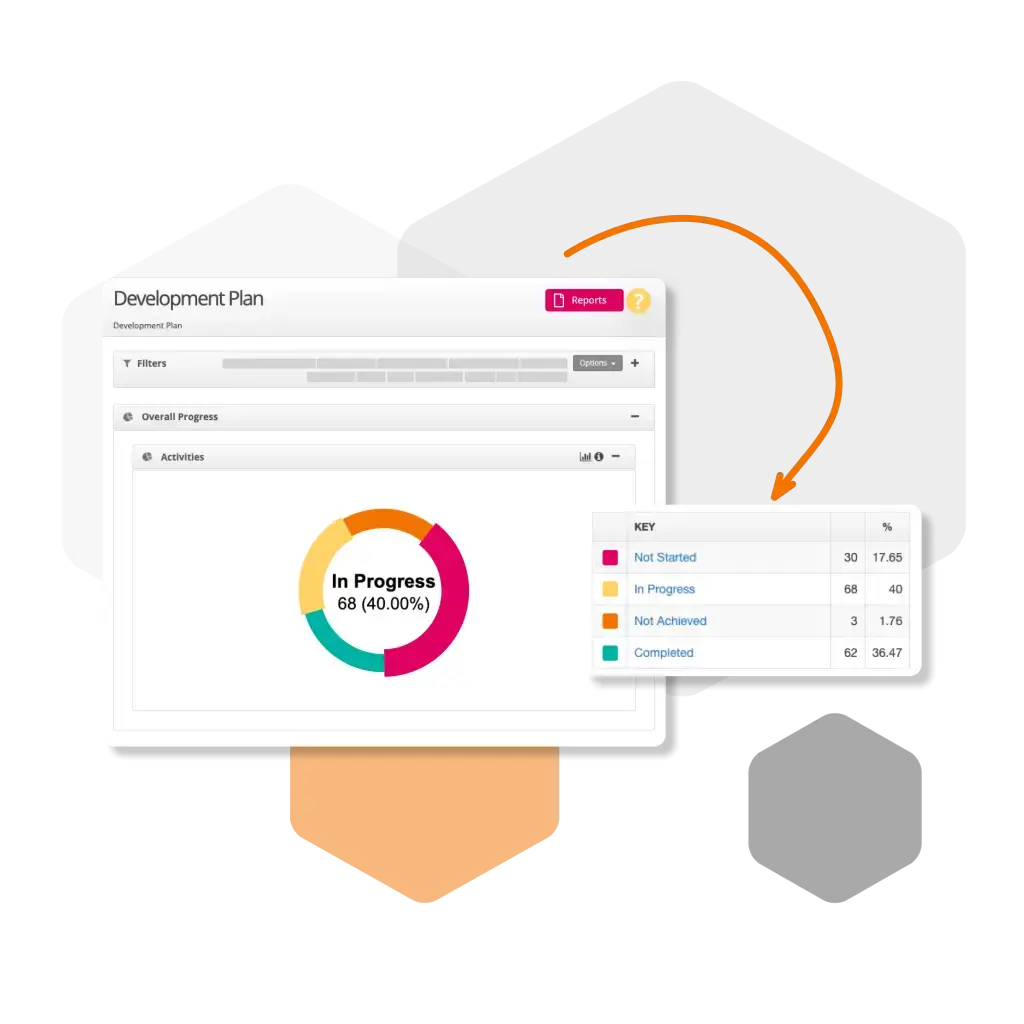
 For multi-academy trusts
Complete trust-wide school improvement software to plan, monitor and evaluate performance with confidence.
Explore SchooliP →
For multi-academy trusts
Complete trust-wide school improvement software to plan, monitor and evaluate performance with confidence.
Explore SchooliP →
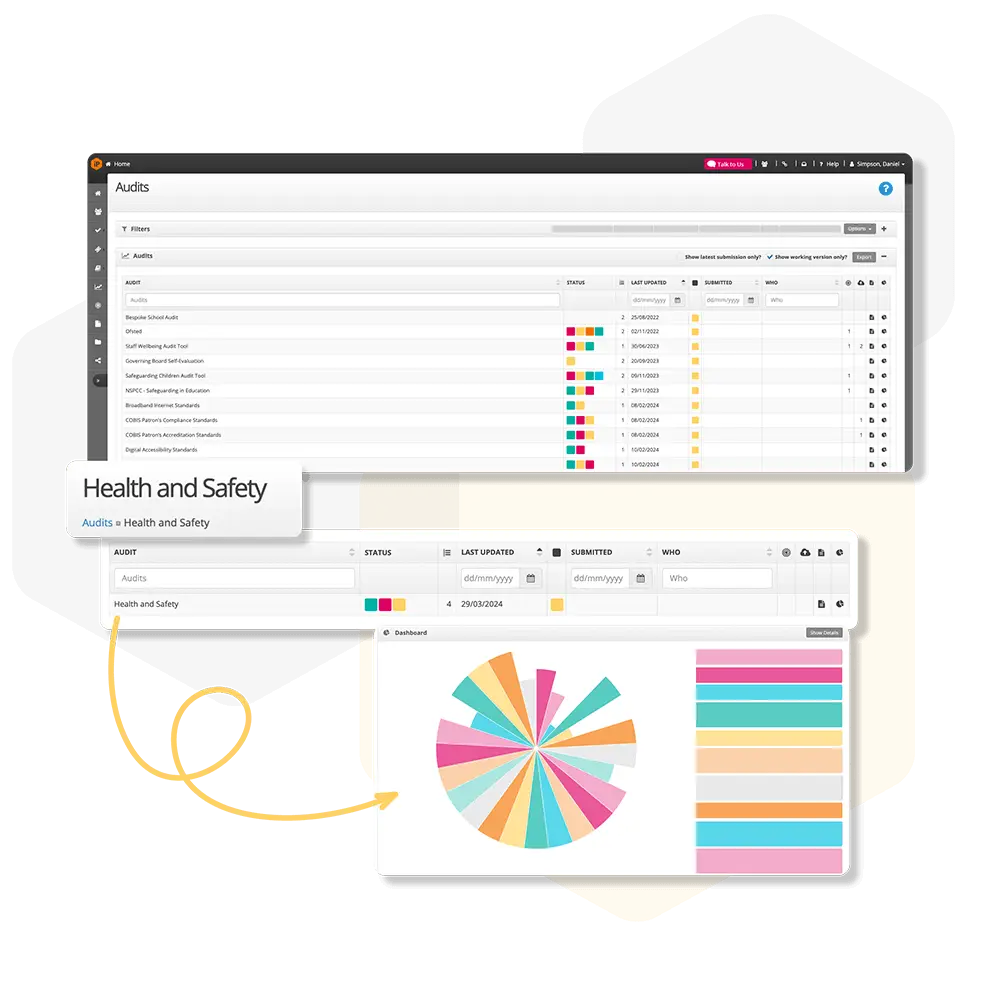
 For further education
Powering quality, compliance and curriculum excellence in colleges.
Explore CollegeiP →
For further education
Powering quality, compliance and curriculum excellence in colleges.
Explore CollegeiP →